
Asset Tags for IT and Data Centers
Serialized, scannable tags for racks, servers, laptops, and peripherals.
An IT asset moves fast. Laptops get reissued, racks get re-cabled, servers get decommissioned, and the asset database has to keep up. These scenarios could turn into a disaster if the barcode or QR code tags start falling off. Stronger-tier vinyl tags work well on some laptops, monitors, and rack equipment because they survive wiping and normal handling. Some laptops, like Chromebooks, have a difficult surface so our Strongest tier tags would be the best choice. Also, if the theft of an asset is a possibility, the Strongest tier tag should be your only choice.
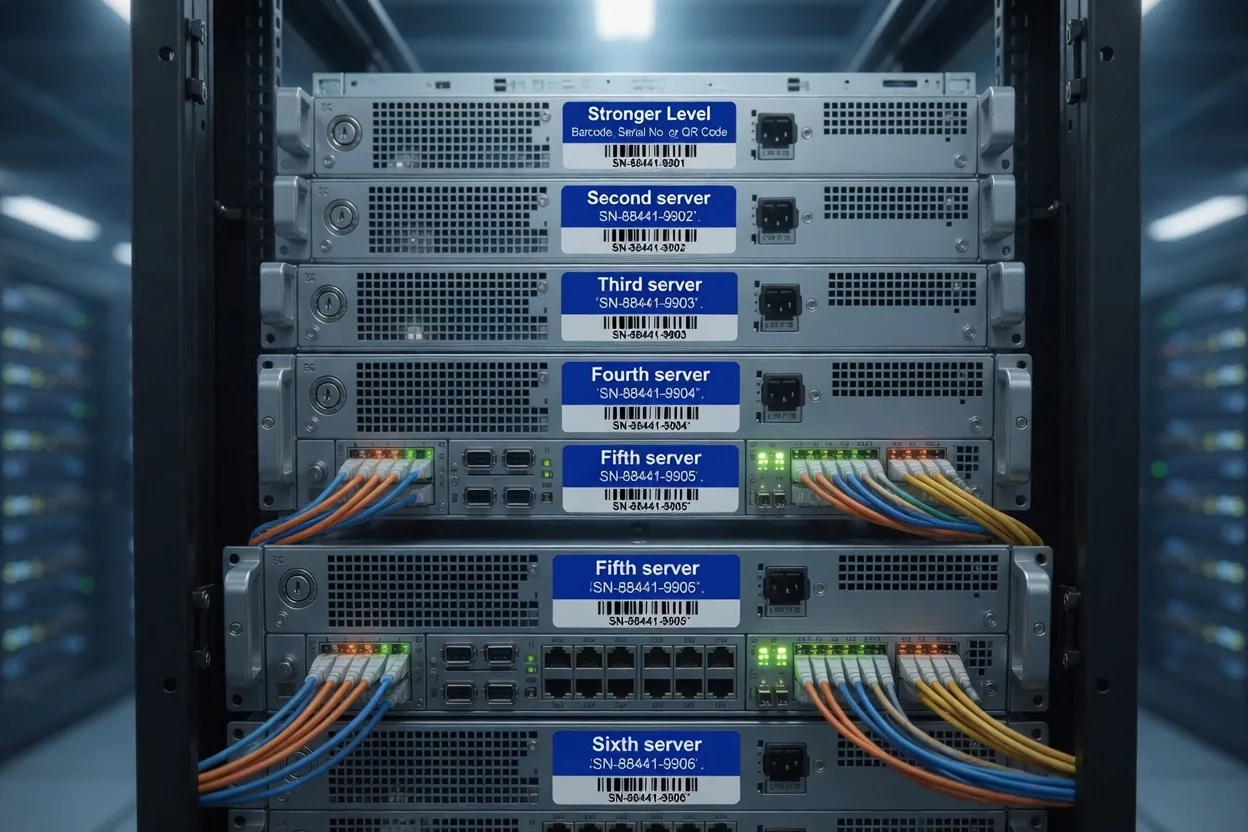
Best-practice install pattern
- 01Place the tag on the front bezel or top surface where it scans without moving the device.
- 02Use a Code 128 barcode or a QR code so scanning into your app is easy.
- 03For data-center racks, attach to the rail post on the cold-aisle side so audits don't require opening the cabinet.
- 04Pair every laptop tag with a tamper-evident chassis seal to track unauthorized teardowns.
Pricing by durability tier
Per-tag pricing, no setup fees and no die charges. Pick the tier that matches the worst day your tag will face.
Clean, economical indoor workhorse. Smooth surfaces, crisp barcodes.
- Outdoor
- Rated 2 years outdoors
- Material
- 2 mil POLYESTER
- Best for
- Smooth surfaces. Tamper-evident option available.
| Quantity | Unit price | Pack total |
|---|---|---|
| 500 | $0.65 ea | $325 |
| 1,000 | $0.59 ea | $590 |
Full-color laminated vinyl. Strong adhesive, outdoor-rated.
- Outdoor
- Rated 2 to 5 years outdoors
- Material
- 5 mil Laminated VINYL
- Best for
- Smooth surfaces. Full-color branding that survives UV and water.
| Quantity | Unit price | Pack total |
|---|---|---|
| 100 | $1.55 ea | $155 |
| 250 | $1.25 ea | $312.50 |
| 500 | $0.89 ea | $445 |
| 1,000 | $0.79 ea | $790 |
The bulldozer-tread tier. 12 mil plastic, EXTREME protection. Strongest adhesive.
- Outdoor
- Rated 5+ years outdoors
- Material
- 12 mil PLASTIC
- Best for
- Smooth or textured surfaces. Mission-critical assets in punishing conditions. Sticks to difficult substrates.
| Quantity | Unit price | Pack total |
|---|---|---|
| 100 | $2.25 ea | $225 |
| 250 | $1.55 ea | $387.50 |
| 500 | $1.29 ea | $645 |
| 1,000 | $1.05 ea | $1,050 |
FAQ for it + data centers
Will the adhesive damage a laptop chassis?
The adhesive on the Stronger tier tags can be removed from hard surfaces without permanently leaving residue. The Strongest tier tags will be very difficult to impossible to remove and will result in some substrate destruction, and these tags are designed for permanent adhesion especially to difficult substrates.
What size is best for a server tag?
1"x2" is the standard for server rack labels because it fits the available bezel space and resolves a 13-mil 1D barcode at scanner-friendly density. For 1U appliances, 0.75"x1.5" works.
Stop replacing labels. Start trusting them.
Send us a photo of where the tag has to live. We ship samples in the format and size you'd use. No setup fees, low minimums, no obligation.